Laundromat Customer Intake Photo Documentation Guide
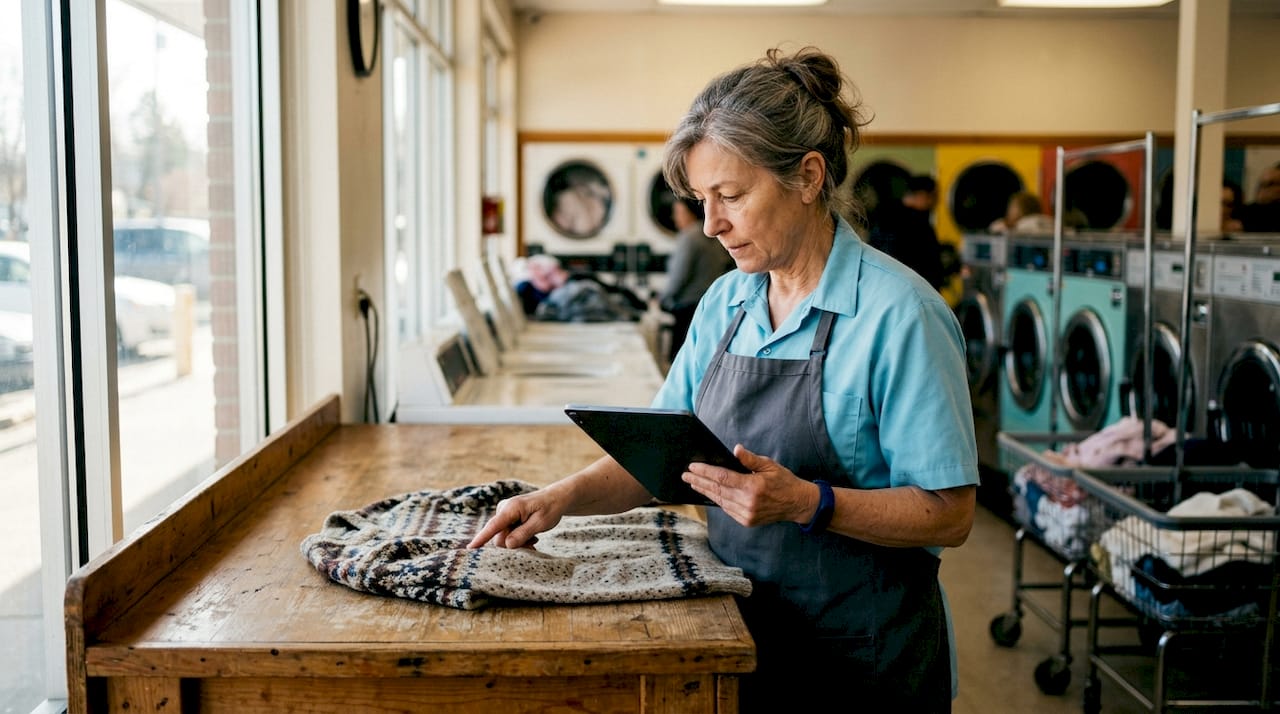
Laundromat customer intake photo documentation is the process of capturing and organizing photographic evidence of customer garments at drop-off to verify condition and resolve disputes. Without it, a single “my sweater was already torn” claim can cost you a refund, a bad review, and a lost customer. The standard industry term for this practice is garment condition documentation, and it belongs at the front counter of every wash-and-fold operation. Industry best practices call for storing intake photos for at least 2 years to cover chargeback windows that can run as long as 180 days. That retention window is not arbitrary. It reflects the real timeline of customer disputes, credit card chargebacks, and reputational complaints that laundromat operators face every week.
What tools do you need for laundromat customer intake photo documentation?
Effective garment condition documentation requires three things: a camera capable of capturing clear close-ups, software that links photos to order records automatically, and a defined intake workflow your staff follows every time.
Camera and device requirements
A modern smartphone with a 12-megapixel or higher camera handles intake photography well. The key is consistency: mount the device at a fixed angle above the counter so every photo frames garments the same way. Dedicated tablet stands with adjustable arms work well for busy counters where attendants need both hands free.
Software and tagging capabilities
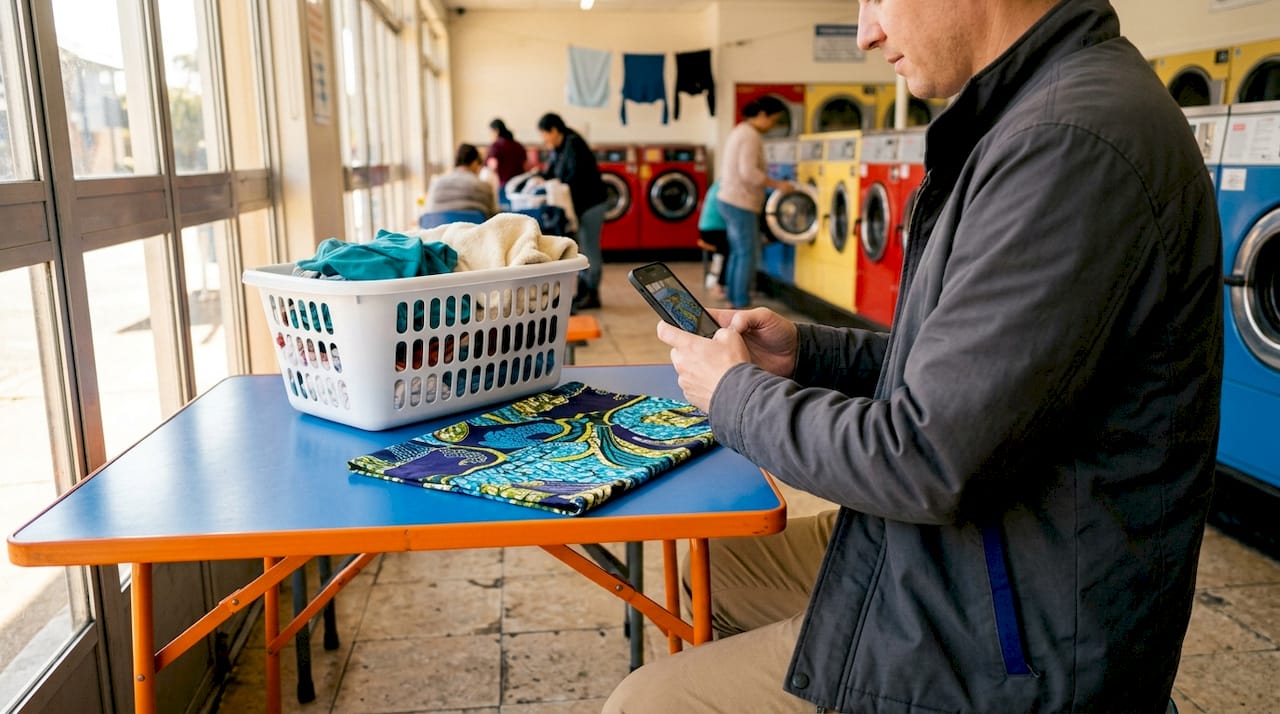
The software layer is where most manual intake processes break down. A photo taken on a personal phone and saved to a camera roll is nearly useless in a dispute. You need software that automatically attaches each photo to an order ID, a timestamp, and condition tags like “pre-existing stain” or “delicate fabric alert.” Proof of work records that link photos to specific workflow steps create far clearer context than standalone images. That context is what wins disputes.
Feature categories to evaluate
| Feature category | What to look for |
|---|---|
| Order linkage | Auto-attaches photos to order ID at capture |
| Condition tagging | Labels like “stain,” “tear,” or “special care” applied at intake |
| Timestamp and metadata | Date, time, and staff ID recorded with every image |
| Customer sharing | Sends photo proof to customer via receipt or tracking link |
| Storage and retention | Retains records for at least 2 years |
Pro Tip: Before buying any software, test whether it links photos to orders without a manual step. If an attendant has to drag a file into a folder, it will not happen consistently during a rush.
How do you capture and manage intake garment photos step by step?
The intake photography process adds approximately 30 seconds per job when automated systems handle the linking. That 30 seconds is the entire cost of your dispute protection. Here is the workflow that produces reliable, court-ready evidence.
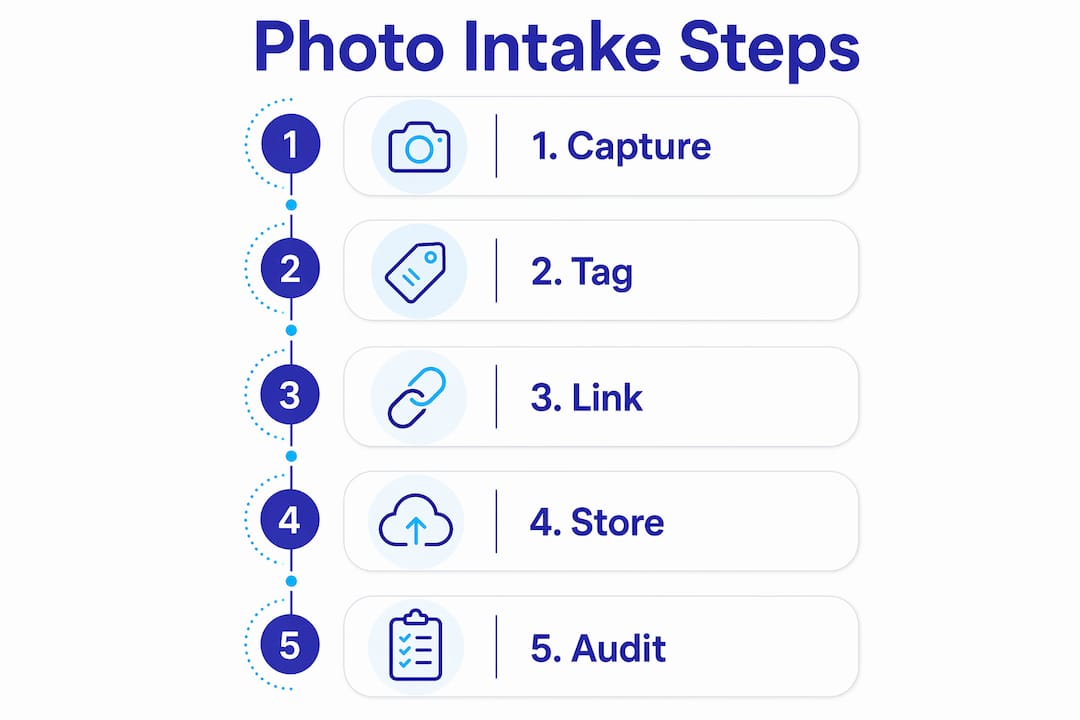
- Open the order in your POS system before touching the garments. The order ID becomes the anchor for every photo you take.
- Photograph the full garment front and back. Lay it flat or hang it. Two angles are the minimum for any item.
- Capture close-ups of any pre-existing damage. Stains, tears, missing buttons, and fading all need their own frame. Do not assume the full-garment shot is enough.
- Photograph care labels and special tags. This protects you when a customer later claims you ignored washing instructions.
- Apply condition tags immediately. Label each photo with a descriptor: “stain upper left,” “zipper broken,” or “color fading.” Generic file names like “IMG_4521” are worthless in a dispute.
- Confirm the photos are linked to the order before the customer leaves the counter. A quick screen confirmation takes three seconds and closes the loop.
- Share the photo record with the customer. Sending a receipt or tracking link that includes the intake photos builds trust before any dispute arises.
Photo packets that combine images with timestamps, location data, and order workflow steps create an audit trail that holds up through the full 180-day chargeback window. That combination of metadata is what separates a strong dispute defense from a “he said, she said” argument.
Pro Tip: Photograph the customer’s claim ticket or order receipt alongside the garment in the first shot. That single frame ties the physical item to the digital record instantly, even if metadata fails.
How do you integrate photo documentation into your existing intake workflow?
Adding photo documentation to an existing laundromat intake process does not require rebuilding your operation. It requires three targeted adjustments: counter layout, software setup, and staff training.
Counter layout adjustments
Position your camera device so it does not require the attendant to step away from the counter. A fixed overhead mount or a tablet stand beside the scale keeps the photo step inside the natural intake motion. If taking a photo requires walking to a different station, it will get skipped.
Technology integration with Kansoflow
Kansoflow handles the photo-to-order linkage automatically. When an attendant opens a new order on the Kansoflow platform, the system timestamps the session and attaches every photo taken during that order to the correct record. No manual filing. No folder management. Customers who receive before-and-after photos with their receipts mention them more often in positive reviews, which shows the direct connection between documentation and customer retention.
Staff training and quality control
Train attendants on three non-negotiable steps: photograph before processing, tag every condition note, and confirm linkage before the customer leaves. Post a laminated checklist at the counter for the first 30 days. After that, the habit is built. Run a weekly audit of five random orders to verify photos are present, tagged, and linked correctly. Catching a gap early costs nothing. Catching it during a dispute costs real money.
What are the most common mistakes in laundromat photo documentation?
Most photo documentation failures share the same root cause: photos exist but are not connected to anything useful.
Loose documentation, where photos are saved without order linkage, creates a searching problem during disputes. Finding the right image in a camera roll of hundreds of unlabeled files is slow, unreliable, and often impossible under pressure. The photo might exist. You just cannot prove it belongs to that order.
Other common mistakes include:
- Single-angle photos only. One shot of the front of a garment leaves the back, labels, and damage details undocumented. Disputes often hinge on exactly the detail you skipped.
- Inconsistent tagging. If one attendant writes “stain” and another writes “spot,” your records become unsearchable and your evidence looks disorganized to a chargeback reviewer.
- No customer-facing copy. Keeping photos internal means the customer never sees the intake record. Sharing it upfront eliminates most disputes before they start.
- Manual file management. Without automatic photo-to-order association, finding relevant images during a dispute is inefficient and often ineffective, reducing their evidentiary value.
Successful photo documentation captures the required evidence for each workflow step and makes this clear to both attendants and reviewers, increasing operational transparency and reducing the time spent resolving any single dispute.
Audit your photo logs monthly. Pull five disputed or flagged orders and check whether the intake photos are present, tagged, and linked. If they are not, the gap is in your training or your software, and both are fixable.
Key Takeaways
Consistent, linked garment condition documentation at intake is the single most effective way to reduce dispute costs and build customer trust in a laundromat operation.
| Point | Details |
|---|---|
| Store photos for 2 years | Chargeback windows run up to 180 days; 2-year retention covers all dispute timelines. |
| Link every photo to an order ID | Unlinked photos have no evidentiary value and cannot be found efficiently during disputes. |
| Tag conditions at capture | Labels like “pre-existing stain” or “delicate fabric” create context that standalone images lack. |
| Share intake photos with customers | Customers who receive photo receipts report higher satisfaction and file fewer disputes. |
| Audit records monthly | Weekly spot-checks catch training gaps before they become costly dispute losses. |
Why photo documentation is the credibility layer your laundromat is missing
I have talked with enough laundromat operators to know that most disputes do not start with a damaged garment. They start with a customer who cannot remember what condition their item was in when they dropped it off. Neither can the attendant. And without a photo record, both sides are guessing.
The operators I respect most treat intake photos the same way a contractor treats a job-site walkthrough video: not as paperwork, but as proof of work. The distinction matters. A photo taken and filed away is documentation. A photo linked to an order, tagged with a condition note, and shared with the customer is a service record. Those are different things with very different outcomes when a dispute lands.
What I find underappreciated is the customer trust angle. Most owners focus on dispute defense, which is valid. But photo evidence shared with invoices consistently shows up in positive reviews. Customers notice when you show your work. That transparency is a retention tool, not just a legal shield.
The operators who struggle with photo documentation almost always have the same problem: they treat it as an add-on instead of a core intake step. When the photo step lives inside the order-opening flow, it happens every time. When it requires a separate action, it gets skipped during every rush. Build it into the system, not around it.
— Artur
How Kansoflow handles photo intake for laundromat operators

Kansoflow builds garment condition documentation directly into the order-opening flow on its native iOS platform. When an attendant starts a new order, the system captures photos, applies timestamps, and links everything to the correct order ID automatically. No separate app. No manual filing. Condition tags are applied at the counter in seconds, and customers receive their intake record alongside their receipt. For operators managing multiple locations, Kansoflow’s photo intake features work across every branch with the same consistency. The result is a complete, searchable service record for every order, built without adding friction to your counter workflow.
FAQ
What is laundromat customer intake photo documentation?
Laundromat customer intake photo documentation is the practice of photographing garments at drop-off and linking those images to the customer’s order record. It creates a verifiable condition record that protects both the operator and the customer.
How long should laundromats keep intake photos?
Industry best practices recommend retaining intake photos for at least 2 years. That window covers chargeback periods of up to 180 days and supports long-term reputation management.
What should you photograph during garment intake?
Photograph the full garment front and back, any pre-existing damage, care labels, and special tags. Multiple angles and close-ups of damage give you the strongest evidence in a dispute.
How do you link intake photos to customer orders?
Use software that automatically attaches photos to an order ID, timestamp, and condition tags at the moment of capture. Manual file management creates gaps that make photos nearly useless during disputes.
Does sharing intake photos with customers reduce disputes?
Customers who receive intake photos with their receipts file fewer disputes and leave more positive reviews. Sharing the record upfront sets accurate expectations and removes the ambiguity that causes most claims.